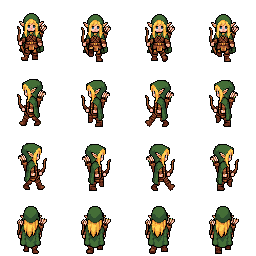
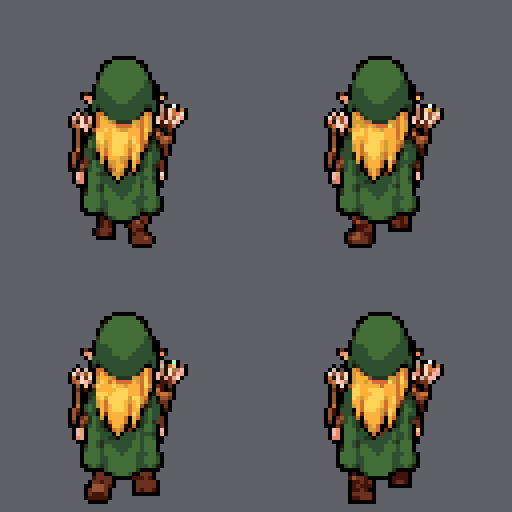
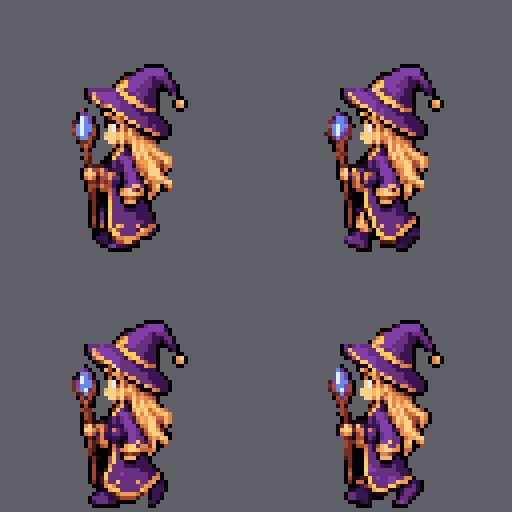
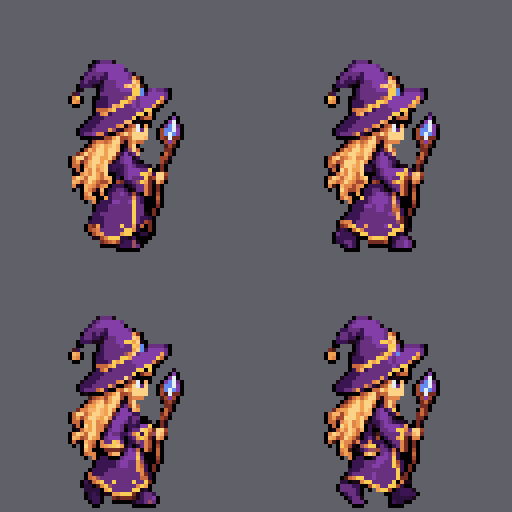
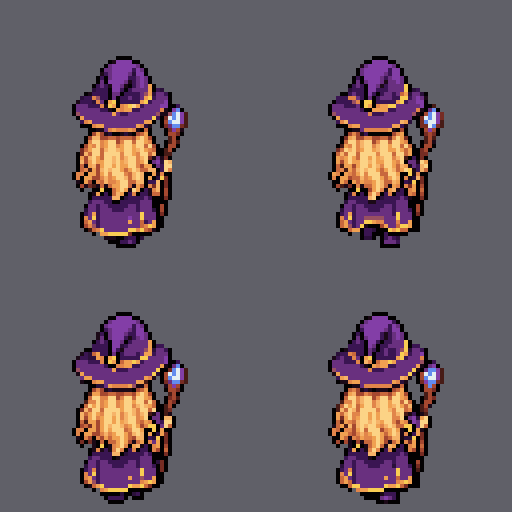
Elf archer: walk cycle
animation example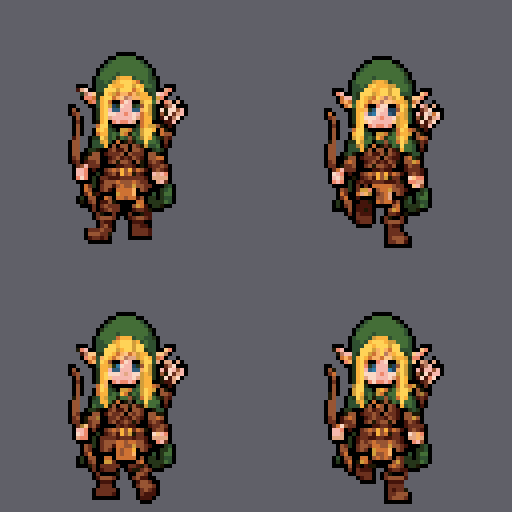
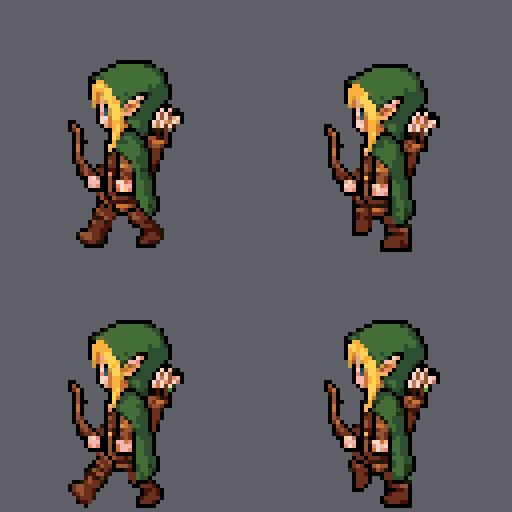
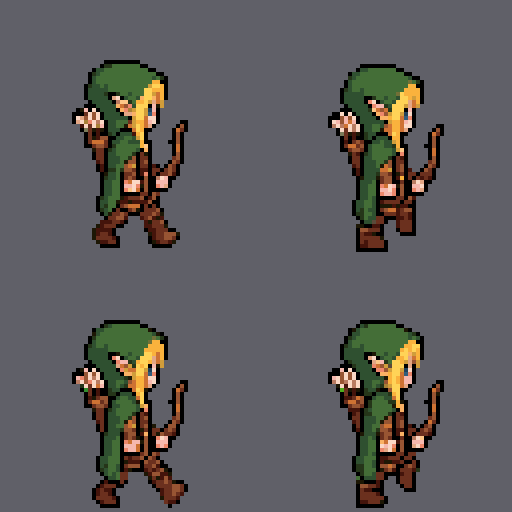
A pixel art generator that works from a text description. Get AI sprites in four or eight directions: a sprite sheet PNG, walk and attack animations, a tileset for your level and files for Godot, Unity, GameMaker and Aseprite.
The workshop interface is in Russian for now. You can write your descriptions in English.

Describe a hero once and get a sheet of 8-direction character sprites, animations and files for your game.
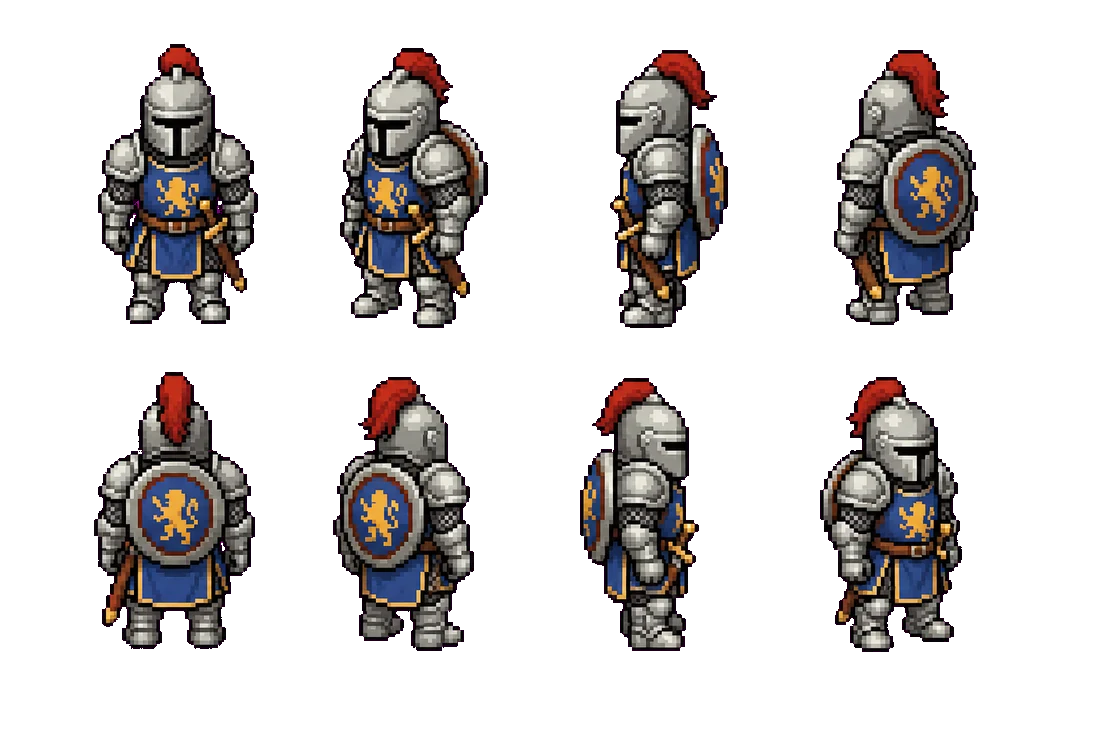

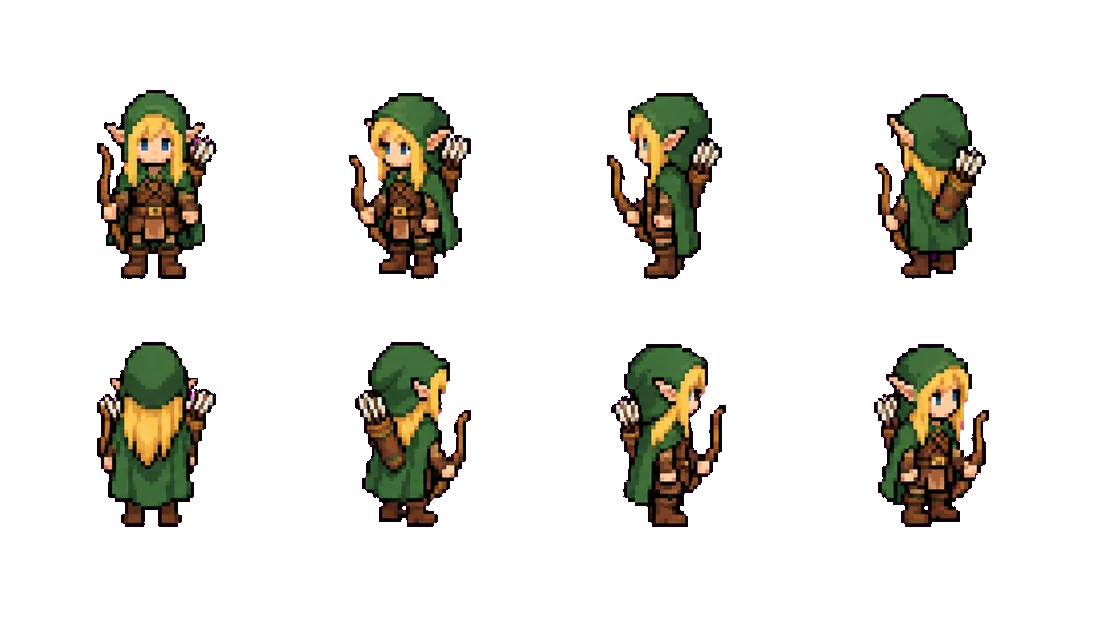


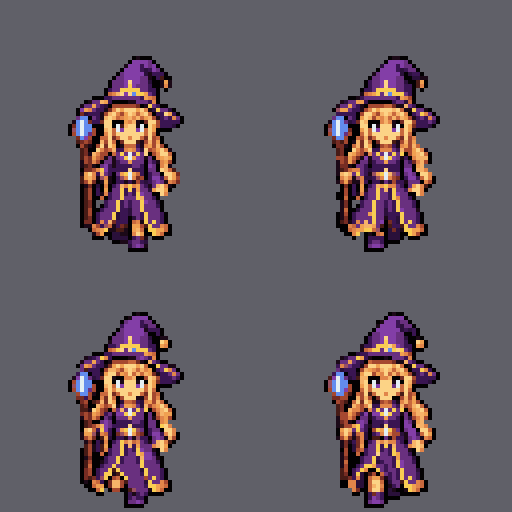
 Make your own →
The workshop interface is in Russian for now. You can write your descriptions in English.
Three steps, a couple of minutes.

A few words about the character, or your own picture.

Pixel art on a clean background.
Every animation comes with separate packages for Godot (SpriteFrames and a sample scene), Unity (a sheet with slicing settings and animation clips), Aseprite (a ready .aseprite file and JSON) and GameMaker (sprite folders). There is also a universal set: every frame as its own PNG, the frame sheet, a GIF and JSON.
The tileset generator makes seamless tiles in 16, 32 and 64 px with 1, 4 or 8 variations, and can add a transition between two surfaces. Tiles export as a PNG sheet, a Godot TileSet, a Tiled file and JSON.
Working in Claude Code or Cursor? Connect the MCP server and let your assistant draw characters, animations, items and tiles for you. The same features are available through a plain REST API.
Four free pixel art helpers that run in your browser: pixelate a picture, reduce a palette, remove a background, and slice a sheet into frames to build a GIF. Your picture is not uploaded anywhere, and no registration is needed. New users also get two character sheets free.
How to make an 8-direction sprite, a walk cycle animation and a tileset for Godot, how Pikselnya compares with PixelLab as an alternative, and whether you can use the results in a commercial game. All the answers are on one page.